 The Lodge
GitHub
Who you know, and how well
The Lodge keeps your people in one place: how well you know each of them, how they're connected, and everything you've learned along the way. Drop in notes, meetings and spreadsheets and it files them under the right people. It all lives on your Mac.
Download for Mac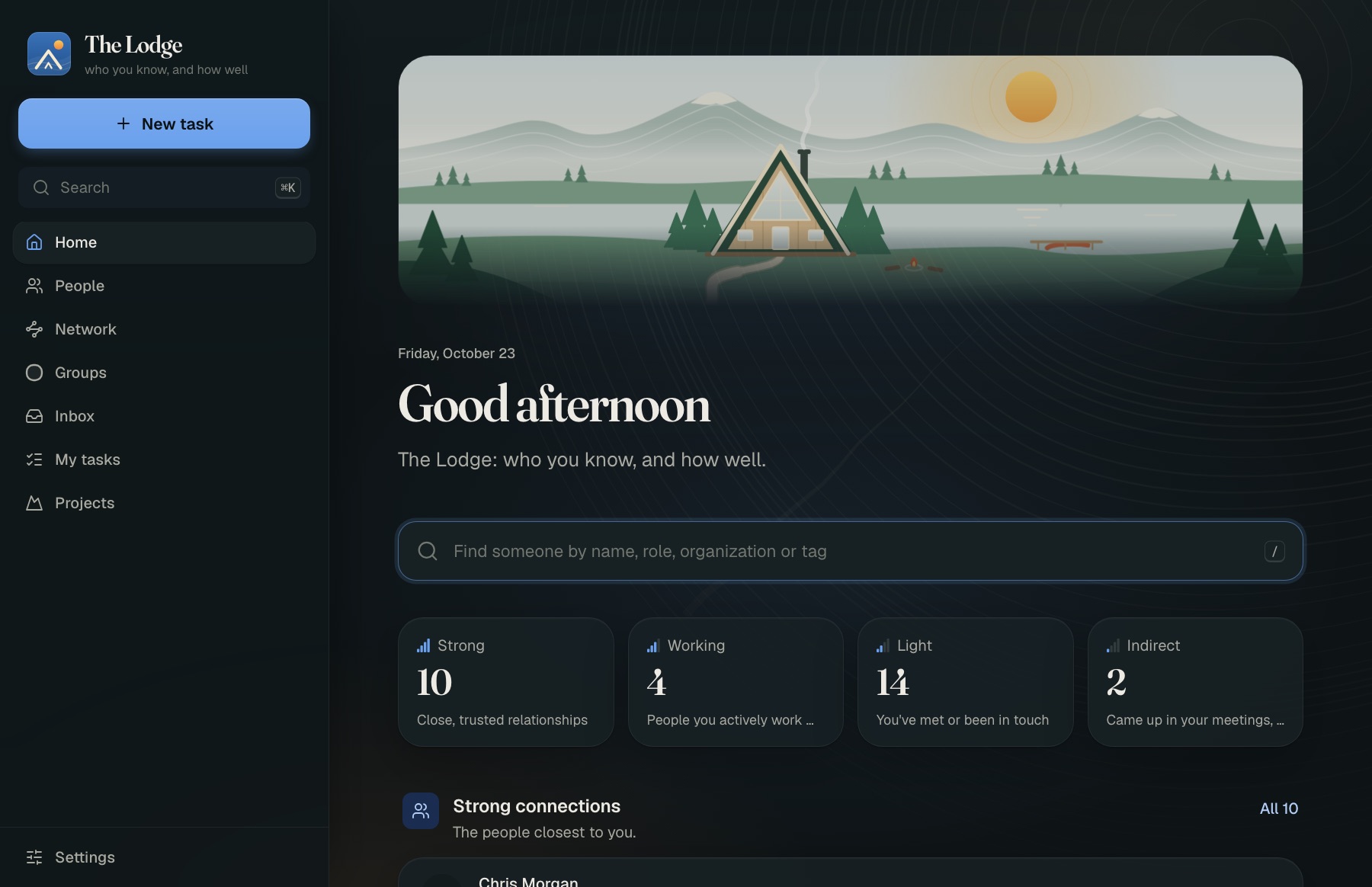
Install in three steps
A couple of minutes. Nothing else to install.
Open the download and drag The Lodge to Applications
Double-click TheLodge-arm64.dmg in your Downloads, then drag The Lodge onto the Applications folder next to it.
Open it the first time with “Open Anyway”
Open The Lodge from Applications. macOS says it “can't verify” The Lodge and offers only Done or Move to Trash: click Done. Then:
- Open System Settings (Apple menu) → Privacy & Security.
- Scroll down to “The Lodge” was blocked to protect your Mac and click Open Anyway.
- Enter your Mac password if asked, then click Open Anyway once more.
Why: The Lodge isn't signed with a paid Apple developer certificate yet, so macOS asks you to confirm once. Updates install from inside the app without this step.
Bring your people in
A window opens and a small A-frame appears in your menu bar. Add people by hand, or import a spreadsheet or your LinkedIn connections. A short setup asks where AI should run: on your Mac, with a cloud AI and your own key, or a mix. It recommends one from your Mac's memory.
What it does
A relationship CRM for one person: the people you know, and what you know about them.
How well, not just who
Rate how close you are to each person. Their profile keeps what you know, where you met and every note, in order.
See your network
A map of your people, gathered around the groups they belong to. Ask who could introduce you to someone, and see the path.
Notes that file themselves
Paste notes or drop in documents. The AI picks out the people, organizations and facts, and puts them where they belong. You review anything it isn't sure of.
Meetings come to you
Connect Granola or a calendar and new meetings arrive on their own, matched to the people who were in them.
Research someone
Flag someone you'd like to know better, and The Lodge researches them with Gemini and Google Search, then files the brief on their profile.
One of everyone
It spots people who are probably the same person and says why. Merges can always be undone.
Lists on request
Ask a focused question, like “who do I know in climate tech?”, and get a list written from your own book.
A sheet others can add to
Share a Google Sheet so people without the app can read, correct and add to your people.
Want the details: how it's built, where data lives, how to run it as a server? It's all on GitHub.
Questions
What do I need?
A Mac with Apple silicon (M1 or newer) on macOS 14 or later. It runs on your Mac with no key at all, and a cloud AI (your own Claude or Gemini key) reads long notes more carefully if you want that.
Does anything leave my Mac?
Your people and notes are stored on your Mac, in ~/Library/Application Support/The Lodge, readable only by you.
Something leaves only when you ask for it: text you have a cloud AI read goes to the provider you chose, research sends a person's name and details to Gemini, and a shared Google Sheet holds what you share in it. Turn on Lockdown and nothing leaves at all.
How do updates work?
The Lodge checks for new versions and offers to install them from its menu bar or Settings → Updates. Turn on Beta updates there to get new versions a few days early. If one lets you down, Go back returns to the version you had. Your data is backed up on your Mac once a day and kept for two weeks, and you can make a backup any time in Settings → Your data.
Windows, Linux or an Intel Mac?
Not as an app. The server also runs in Docker on Linux; ARCHITECTURE.md on GitHub says how.